 Nick
Nick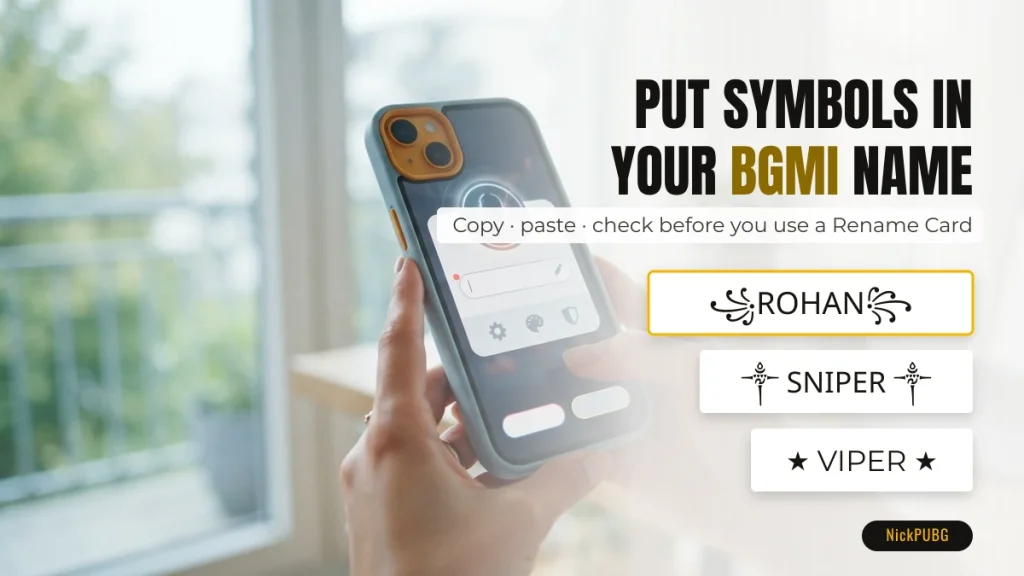
To put a symbol in a Battlegrounds Mobile India (BGMI) or PUBG Mobile name, copy the symbol, open the rename screen, long-press the name field, paste it, and type the rest of your name. Check the preview before you confirm. Symbols from Unicode’s Basic Multilingual Plane, such as ꧁ ༒ ★ ✦, are the ones most often accepted. Emoji and “bold” math letters are the ones most often rejected.
This guide covers the exact steps on Android and iPhone keyboards, why some characters turn into empty boxes or fail to save, and how to avoid a name that gets your account restricted. It uses a small set of practice symbols so you can test the paste before spending a Rename Card.
The 4-step method at a glance
The method is the same in BGMI and PUBG Mobile: the game has no symbol keyboard of its own, so every decoration has to come in through your phone’s clipboard.
| Step | Android (Gboard, Samsung Keyboard) | iPhone (iOS keyboard) |
|---|---|---|
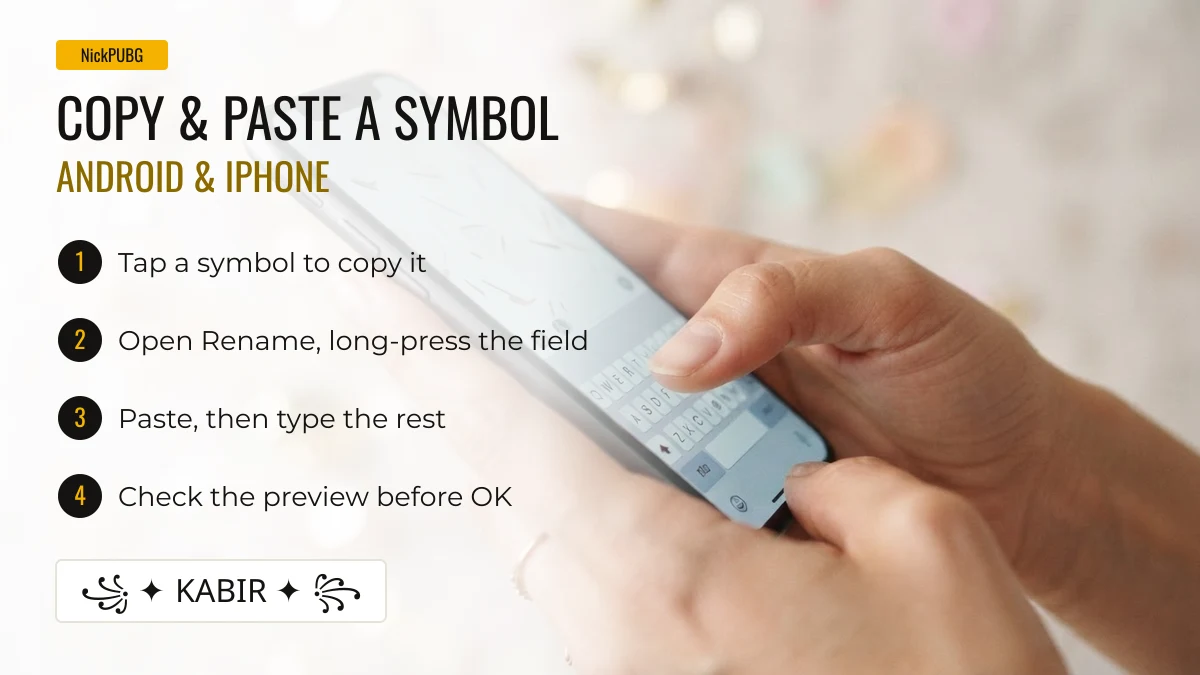
| 1. Copy | Tap a symbol on this page. It is copied instantly | Tap a symbol on this page. It is copied instantly |
| 2. Open the name field | Profile → rename (needs a Rename Card) → tap the name box | Profile → rename (needs a Rename Card) → tap the name box |
| 3. Paste | Long-press the box → Paste, or tap the clipboard chip above the keyboard | Tap the box again → Paste. Allow the paste prompt if iOS shows one |
| 4. Check and confirm | Look at the preview. Boxes or a red warning mean swap the symbol before confirming | Same: confirm only when the preview looks right |
How to paste a symbol on Android
On Android, the fastest way is the clipboard: copy the symbol, long-press the empty name field in BGMI and choose Paste. Gboard also shows the last copied text as a chip above the keys, so one tap inserts it.
- Copy one symbol at a time. Pasting a whole styled name at once is fine too, but single symbols make it easier to see which one causes a problem.
- Paste the left decoration, type your name with the normal keyboard, then paste the right decoration. For example ꧁ + Rohan + ꧂.
- If the paste option does not appear, tap the cursor once more. Some keyboards need the field to be active before long-press works.
- Samsung Keyboard users can open the clipboard panel from the toolbar and pick any recent item, which is handy for building a name from several symbols.
How to paste a symbol on iPhone
On iPhone, tap the name field once to place the cursor, tap it again, and choose Paste from the small menu. Recent iOS versions may ask “Allow Paste?” the first time an app reads the clipboard. Allow it, or the field stays empty.
- The iOS emoji keyboard types emoji, not decorative symbols. Characters like ༒ or ꧁ are not on any built-in keyboard, so copying is the only practical route.
- If the field shows the symbol but the confirm button stays grey, the game has rejected at least one character. Remove symbols one by one to find it.
Practise with 40 symbols before you rename
Tap any symbol below to copy it, then paste it into a notes app or chat to check it on your own phone. If it looks right there, it will usually look right in the game preview. Whether the game accepts it is a separate check (see the next section).
Dashed border = may be rejected by the in-game name field (emoji / rare Unicode).
Need more choice? The full list of PUBG and BGMI name symbols groups hundreds of them by theme, and ready-made BGMI name styles already combine fonts and decorations for you.
Which symbols the BGMI name field accepts
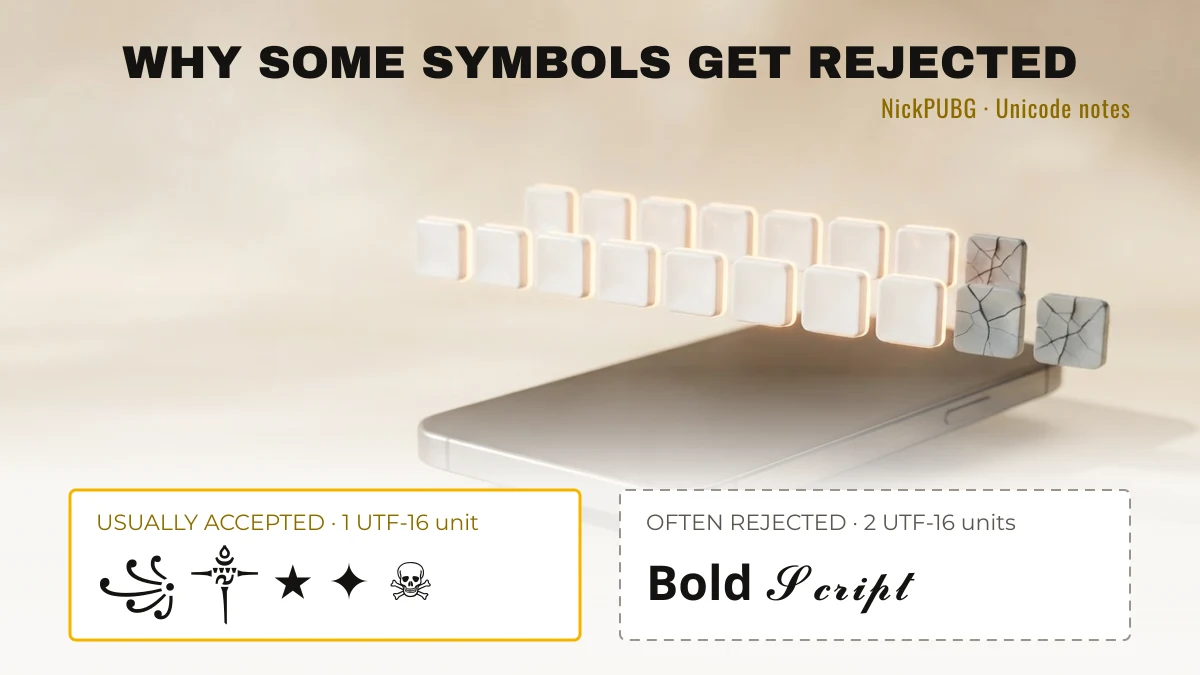
BGMI and PUBG Mobile do not publish a list of allowed characters, so there is no official whitelist. What we can explain is the technical pattern behind accepted and rejected symbols (checked September 2026). Characters stored as a single UTF-16 code unit (Unicode’s Basic Multilingual Plane) are the most widely accepted by mobile name fields. Characters that need two code units (a “surrogate pair”), which includes almost all emoji, are rejected far more often.
| Character | Unicode code point | UTF-16 units | Type | Name-field outlook |
|---|---|---|---|---|
| ★ | U+2605 | 1 | Symbol (BMP) | Usually accepted |
| ✦ | U+2726 | 1 | Dingbat (BMP) | Usually accepted |
| ꧁ ꧂ | U+A9C1, U+A9C2 | 1 each | Javanese punctuation (BMP) | Usually accepted, very common in BGMI names |
| ༒ | U+0F12 | 1 | Tibetan mark (BMP) | Usually accepted |
| 亗 | U+4E97 | 1 | CJK character (BMP) | Usually accepted |
| ᴀʙᴄ (small caps) | U+1D00, U+0299, U+1D04 | 1 each | Latin letters (BMP) | Usually accepted |
| ☠️ | U+2620 + U+FE0F | 2 | Symbol + emoji variation selector | Risky: the invisible selector is often stripped or blocked |
| 𝐁 (math bold B) | U+1D401 | 2 | Mathematical alphanumeric | Often rejected |
| 𓆩 𓆪 | U+131A9, U+131AA | 2 each | Egyptian hieroglyph | Often rejected, or shown as boxes |
| 🔥 | U+1F525 | 2 | Emoji | Often rejected |
| S͜͡ | U+0053 + U+035C + U+0361 | 3 | Letter + stacked combining marks | Risky: marks may be removed or blocked |
That is why every copy item on NickPUBG with an emoji, a rare supplementary-plane character or stacked marks has a dashed border. It is a warning based on how the character is encoded, not a promise either way.
Why a symbol shows as empty boxes
Empty boxes mean the font on that device has no drawing for the character. The name itself can be valid. Your phone may show ꧁ perfectly while a friend’s older phone shows a box, because fonts differ between Android brands, iOS versions and the game’s own text renderer.
- Boxes on your phone, in the notes app too: your device lacks the font. Other players may still see the symbol.
- Fine in notes, boxes in the game preview: the game’s font lacks it. Most players will see boxes too, so pick another symbol.
- Fine everywhere, but the name will not save: that is a rejection by the name filter, not a font issue. See the table below.
What to do when the game rejects your name
A rejected name costs nothing as long as you have not confirmed, so change one thing at a time and watch the preview.
| What you see | Likely cause | Fix |
|---|---|---|
| Confirm button stays grey or shows an invalid-name message | An emoji, math letter or variation selector in the name | Replace it with a single-unit symbol such as ★ ✦ ༒ ꧁ ꧂ |
| Players report a message like “Name cannot exceed 14 characters” | Too many characters. Decorations count too, and two-unit characters may count as more than one | Drop a symbol or shorten the name. The exact limit is not officially published, so trust the in-game message |
| “Name already exists” | Another player has that exact string | Change one decoration or add a letter |
| Name saved but part of it became *** or disappeared | A blocked word or filtered character | Remove the word. Symbols are rarely the reason for *** |
Can special symbols get your BGMI account banned?
Decorative symbols on their own are not what gets names penalised. The meaning of the name is. Names that are offensive, sexual, hateful, or that impersonate other players, streamers or official staff are the ones games act against, whether they are written with symbols or not.
- BGMI can restrict accounts for up to 90 days over an inappropriate nickname or clan name. That is three times the 30-day maximum used in PUBG Mobile internationally.
- PUBG Mobile may change a violating name without warning, which also wastes the Rename Card you used.
- Symbols used to disguise a banned word (for example swapping letters for look-alike characters) are treated the same as the plain word.
No site can honestly promise that a name is “unbannable”. NickPUBG’s lists avoid offensive words, but the responsibility for the final name is yours. See our editorial policy for how items are filtered.
Test first, then spend the Rename Card
The Rename Card is consumed the moment a new name is confirmed, so do all your testing before that tap. According to the official BGMI Help Center FAQ (checked September 2026), you can get a Rename Card free from the level 3 and level 10 progress missions or from events, or buy one under Shop → Treasures, and you can change your nickname only once per day.
The full walkthrough, including where to find the card, is in our guide on how to change your name in BGMI. Building a squad identity instead? Clan tags follow the same symbol rules, and our BGMI clan names page has tags that fit.
Prefer not to assemble symbols by hand? Type your name into the NickPUBG stylish name generator, which wraps it in decorations and fonts you can copy in one tap. For PUBG Mobile-specific styles, see PUBG name style.
FAQ
How do I put stylish symbols in my BGMI name?
Copy the symbol, open rename in your BGMI profile, long-press the name field and paste, then type your name and check the preview before confirming. The game has no symbol keyboard, so copy-paste is the only method.
How do I create a name with symbols in PUBG Mobile?
The same way as in BGMI: build the name by pasting symbols around your name in the rename field. Stick to single-unit symbols like ★, ✦, ༒ and ꧁ ꧂ for the best chance of it saving.
Can I put emojis in a PUBG or BGMI name?
Usually not. Emoji are stored as two UTF-16 code units, and name fields commonly reject them. Use decorative Unicode symbols instead, which give a similar look and are far more likely to be accepted.
Are special symbols allowed in BGMI names?
Many are. There is no official list, but single-unit Unicode symbols are widely used in BGMI names. What is not allowed is offensive or impersonating content, which BGMI can penalise for up to 90 days.
Do symbols count towards the name length?
Yes. Every decoration counts, and characters outside the Basic Multilingual Plane may count as two. If the game says the name is too long, remove a decoration first.
How do I get a name tag or clan tag next to my BGMI name?
A clan tag comes from joining or creating a clan, not from the rename field. You can still style the clan name with the same symbols. Ideas are on our clan names page linked above.