 Nick
Nick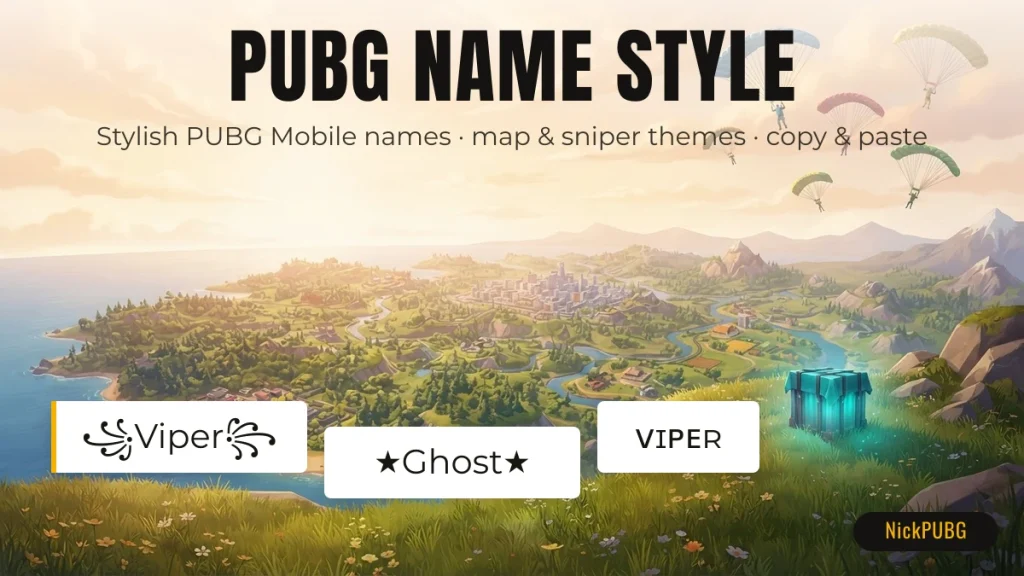
A PUBG name style is your PUBG Mobile nickname rewritten with Unicode fonts and decorations, for example ꧁Viper꧂, ☬ᴠɪᴘᴇʀ☬ or ★Ghost★. Type your own name in the generator above, or copy one of the 184 ready-made names, kaomoji and emoji combos below.
Best PUBG names by map and drop spot
The best PUBG names say something about how you play, and nothing tells the lobby more than where you drop. The names below are built around real PUBG Mobile map and location names, from Erangel and Miramar to Pochinki, School and the Military Base. Tap any name to copy it.
Dashed border = may be rejected by the in-game name field (emoji / rare Unicode).
Map-based names read well in the kill feed because other players recognise the place straight away. If you always hot-drop the same town, a name like Pochinki or School Camper also tells your squad where to find you.
Sniper and scout names for PUBG Mobile
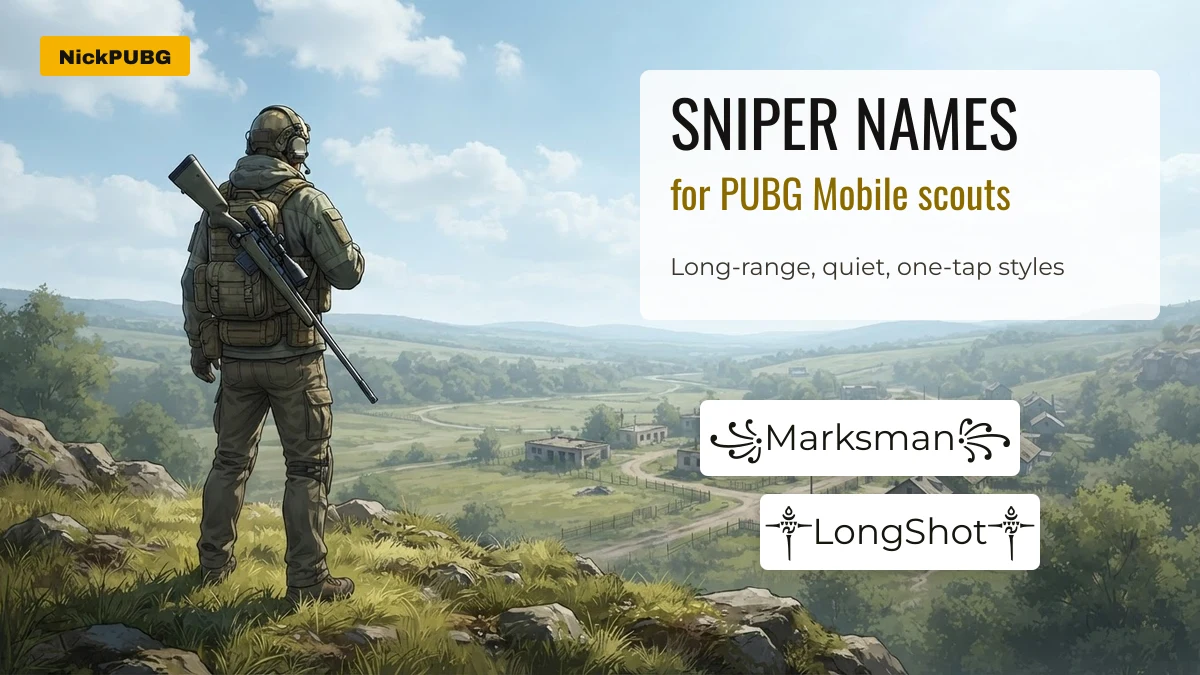
Sniper names work best when they are short and quiet: one idea, one frame, no clutter. These 35 styles build on long-range words such as Marksman, Deadeye, Long Shot and One Tap.
Playing BGMI instead? The same idea works there. Our BGMI name styles are built for Battlegrounds Mobile India players, and squads looking for a shared tag can start with these clan and team names.
What makes a PUBG name one of the best?
A great PUBG name is readable at a glance, fits the name field, saves without errors and stays within the game’s rules. Style comes after those four checks.
| Check | Why it matters | Quick test |
|---|---|---|
| Readable in the kill feed | Opponents and teammates see your name for about a second | Can you read it on a phone at arm’s length? |
| Short enough | Players report the error “Name cannot exceed 14 characters” when renaming. There is no official number, so treat 14 as a practical guide | Count characters in the table below |
| Field-friendly characters | Decorations like ꧁ ༒ ★ 亗 usually save. Emoji and “math” fonts often do not | Look for the dashed border on the copy grids |
| Within the rules | Offensive or impersonating names can be renamed by the game without warning | Would you say it on a team voice call? |
| Yours alone | Popular names are often taken | Add a symbol or swap one letter style |
One PUBG name, 17 styles: characters counted
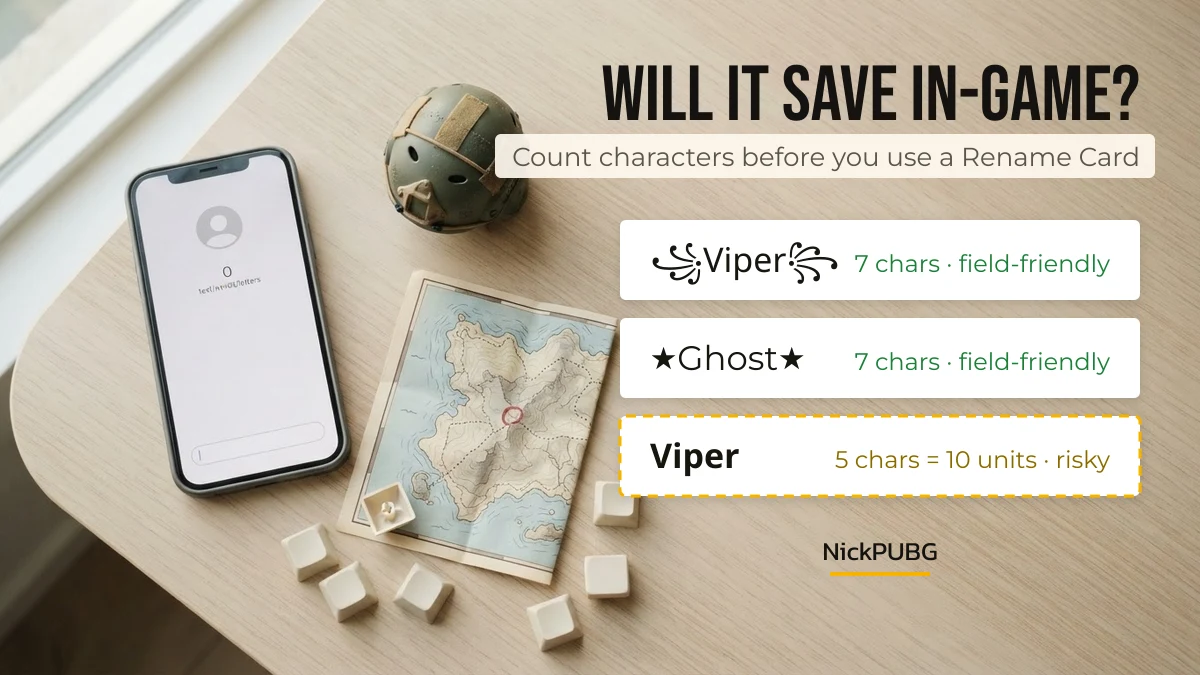
The same five-letter name can cost 5 or 13 characters depending on the style you choose. We styled “Viper” 17 ways and counted each result, both as characters you can see and as UTF-16 units (how many phones store text).
| Name | Style | Characters | UTF-16 units | Field-friendly? |
|---|---|---|---|---|
| ᴠɪᴘᴇʀ | Small caps | 5 | 5 | Yes |
| Viper | Full-width letters | 5 | 5 | Yes |
| Ⓥⓘⓟⓔⓡ | Circled letters | 5 | 5 | Yes |
| ꧁Viper꧂ | Royal wings | 7 | 7 | Yes |
| ༒ViPeR༒ | Tibetan dagger | 7 | 7 | Yes |
| 亗Viper亗 | Crew mark | 7 | 7 | Yes |
| ★Viper★ | Star frame | 7 | 7 | Yes |
| ☬ᴠɪᴘᴇʀ☬ | Khanda + small caps | 7 | 7 | Yes |
| 「Viper」 | Corner brackets | 7 | 7 | Yes |
| ᯓ★Viper | Arrow star | 7 | 7 | Yes |
| ▄︻デ══━一Viper | Rifle art | 12 | 12 | Yes, but long |
| Viper🐍 | Emoji tail | 6 | 7 | Risky (emoji) |
| ×͜×Viper | Crossed eyes | 8 | 8 | Risky (combining mark) |
| 𝐕𝐢𝐩𝐞𝐫 | Math bold | 5 | 10 | Risky (outside BMP) |
| 𝓥𝓲𝓹𝓮𝓻 | Bold script | 5 | 10 | Risky (outside BMP) |
| 𝕍𝕚𝕡𝕖𝕣 | Double-struck | 5 | 10 | Risky (outside BMP) |
| V͜͡i͜͡p͜͡e͜͡r | Double-arc marks | 13 | 13 | Risky (stacked marks) |
The takeaway: if a name keeps failing to save, the letters are rarely the problem. Swap a math-style font for small caps or plain letters, and keep the decoration on the outside.
Kaomoji and emoji combos for your PUBG profile
Kaomoji and emoji combos are best used in places that accept any text, such as a clan description, a squad chat or your social profiles. PUBG Mobile’s name field often rejects emoji, so test one before building a whole name around it.
Kaomoji faces
Battle royale emoji combos
These combos borrow from the match itself: the drop, the loot, the zone and the chicken dinner.
How PUBG name fonts work, and why some show as boxes
PUBG name “fonts” are not fonts at all. They are separate Unicode characters that look like styled letters. 𝐕 is a different character from V, just as ★ is a different character from *. That is why the style survives when you paste it.
- Basic Multilingual Plane (BMP) characters such as small caps (ᴀʙᴄ), ꧁꧂, ༒, ☬ and ★ take one storage unit each. Game name fields most often accept them.
- Math alphanumeric letters (𝐁𝐨𝐥𝐝, 𝓢𝓬𝓻𝓲𝓹𝓽, 𝕯𝖔𝖚𝖇𝖑𝖊) and emoji sit outside the BMP. Each one is stored as a two-unit “surrogate pair”, which is a common reason a name is rejected or counted as longer than it looks.
- Some systems strip styles. Unicode normalisation (NFKC) turns math letters back into plain A–Z, while small caps have no plain equivalent and keep their look. If a styled name suddenly shows up plain, this is usually why.
- Empty boxes mean the viewer’s phone has no font for that character. The name is still saved, but that player sees squares.
Want to decorate by hand instead? The PUBG and BGMI name symbols list groups hundreds of symbols by theme, so you can build a frame piece by piece.
Setting a stylish name in PUBG Mobile
To change your name in PUBG Mobile you need a Rename Card. Copy a style from this page, open your profile, use the card and paste the new name. As of September 2026, the rules we can confirm are:
- Copy the name you want. Use the character table above if you are unsure it will fit.
- Open your profile in PUBG Mobile and choose the option to change your name. A Rename Card is used when you confirm.
- Paste the name. If the game rejects it, swap risky characters (dashed border) for field-friendly ones, then try again before confirming.
| Rule | What to know |
|---|---|
| Rename frequency | Once per day, and the card is used up (BGMI help centre, checked September 2026). PUBG Mobile works the same way in practice, but check the prompt in your client before confirming |
| Free Rename Cards | In BGMI, the Level 3 and Level 10 Progress Missions each give one. In PUBG Mobile, look in missions, events and the shop, because rewards change by season |
| Inappropriate names in PUBG Mobile | The game can rename a violating name without notice. Penalties can reach 30 days |
| Inappropriate names in BGMI | Penalties can reach 90 days, three times longer |
BGMI players will find the full step-by-step, including the 90-day rule, in our guide on how to change your name in BGMI. No name on NickPUBG, or anywhere else, is “unbannable”. The rules are about what the name says, not how it looks.
PUBG Mobile names vs BGMI names
PUBG Mobile and Battlegrounds Mobile India (BGMI) use the same kind of name field, so a style that saves in one usually saves in the other. What changes is the audience and the penalties.
| PUBG Mobile | BGMI | |
|---|---|---|
| Players | Global servers | India only |
| Popular name themes | Maps, roles, English gamer words | Hinglish words, attitude names, clan tags |
| Max penalty for inappropriate names | Up to 30 days | Up to 90 days |
| Where to start on NickPUBG | This page | BGMI name style and best BGMI names |
Still undecided? Type your gamer tag into the NickPUBG stylish name generator. It builds dozens of styles from any word in a second.
FAQ
Which name is best in PUBG?
The best PUBG name is short, easy to read and uses field-friendly characters. Map names (Pochinki, Miramar Hawk), role names (Marksman, Scout) and one clean frame such as ꧁ ꧂ or ★ ★ work far better than long, emoji-heavy names that may not save.
What is a cool gamer name for PUBG Mobile?
A cool gamer name combines one strong word with a style that stands out: ☬ᴠɪᴘᴇʀ☬, 亗Ghost亗 or ༒LongShot༒. Pick a word that matches how you play, then style it with the generator.
What is a good username for PUBG?
A good PUBG username is unique, up to about 14 visible characters, and free of emoji and stacked marks. If your favourite word is taken, add one symbol on each side or switch to small caps.
What are the top 10 PUBG nicknames right now?
Ten field-friendly picks from this page: ꧁Viper꧂, ★Ghost★, ☬ᴠɪᴘᴇʀ☬, 亗Viper亗, ༒LongShot༒, ᯓ★Viper, Rozhok, •Pochinki•, ꧁Marksman꧂ and ᴠɪᴘᴇʀ. For a live ranking, see what players copy most on the NickPUBG homepage.
Can a stylish name get me banned in PUBG Mobile?
A stylish font alone does not break the rules. What gets names renamed or penalised is offensive, abusive or impersonating content. PUBG Mobile can rename such names without notice, and penalties can reach 30 days (90 in BGMI).