 Nick
NickTo change your name in Battlegrounds Mobile India (BGMI), you need a Rename Card. You get the first ones free from the Level 3 and Level 10 Progress Missions, and you can buy more in Shop → Treasures. Use the card, enter the new nickname and confirm. BGMI allows one name change per day, and each change uses up one card.
These steps come from the official BGMI Help Center and Krafton’s BGMI Rules of Conduct, both checked in September 2026. This guide also covers PUBG Mobile, the global version of the game, where renaming works the same way.
What you need before renaming
You need exactly one thing: a Rename Card in your account. There is no free text box in the profile that lets you edit your name without one. According to the official BGMI Help Center answer “How do I change my name?”, a card can come from three places:
| Source | Cost | Details (official FAQ, checked Sep 2026) |
|---|---|---|
| Progress Missions at Level 3 and Level 10 | Free | Completing these two progress missions rewards a Rename Card each time |
| Other missions and events | Free | Some missions and limited events include a Rename Card as a reward. Check the event rewards list |
| Shop → Treasures | Paid (UC) | The card is listed in the Treasures tab of the in-game Shop |
The official FAQ does not list a price. Third-party guides commonly quote 180 UC, but prices and discounts can change, so check the amount in Shop → Treasures before you buy.
How to change your BGMI name, step by step
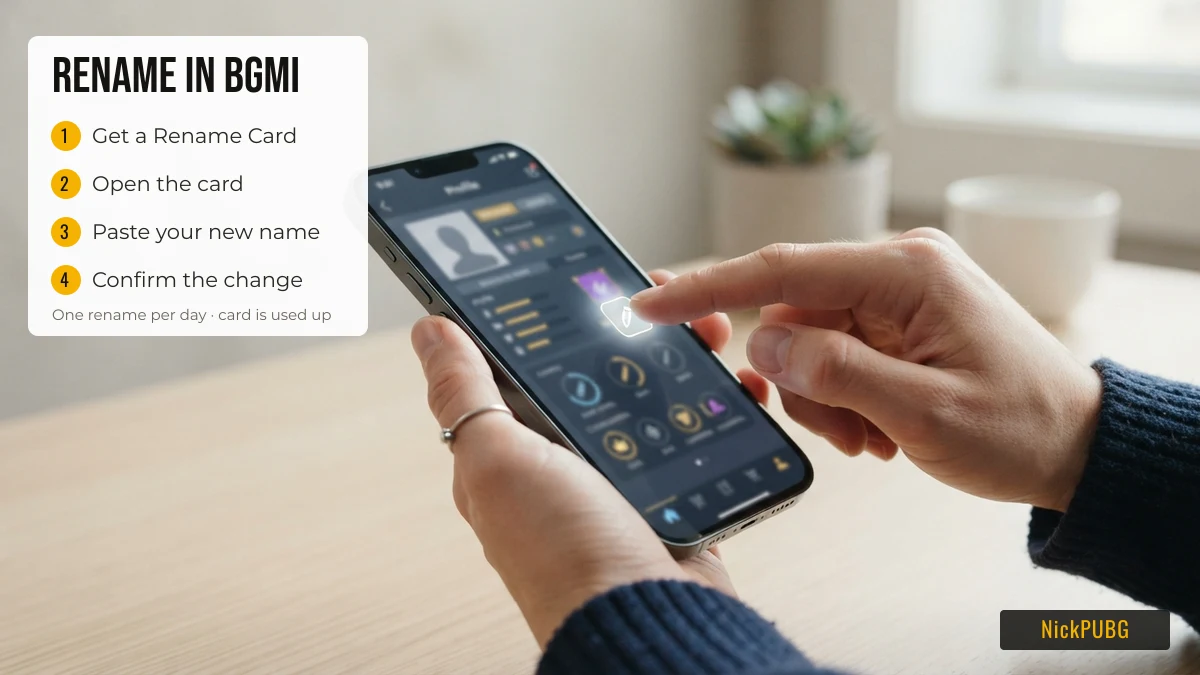
Changing your name takes under a minute once you have a card and have decided on the name.
| Step | What to do | Tip |
|---|---|---|
| 1 | Get a Rename Card from a Progress Mission, an event, or Shop → Treasures | Claim free cards before buying one |
| 2 | Open the Rename Card on your account to start the rename | Menus can move between game updates. If you cannot find the card, check where your items are stored |
| 3 | Type or paste your new nickname into the name field | Prepare the name first. You can build a styled version on the NickPUBG stylish name generator and copy it |
| 4 | Confirm the change | The card disappears once used, and you cannot rename again until the next day |
If the game refuses the name at step 4, it usually shows an error before the change goes through. Remove the characters it did not like and try again. The next section explains which characters those tend to be.
Check the name before you use the card
Because a card is single-use and renames are limited to one a day, test a name idea before you commit to it. Three things cause most rejected or broken names:
| Problem | Why it happens | Safer choice |
|---|---|---|
| Emoji such as 🔥 or 👑 | Emoji sit outside Unicode’s Basic Multilingual Plane and take two UTF-16 code units (a “surrogate pair”). Name fields often reject them | Symbols from the Basic Multilingual Plane, such as ꧁ ꧂ ༒ ★ 亗 |
| Stacked combining marks (Z̴a̴l̴g̴o̴ style) | Accent marks layered on letters are often stripped, or show as empty boxes on other phones | Small caps (ᴀʙᴄ) or a single decoration |
| Too many characters | Players report an in-game error reading “Name cannot exceed 14 characters”. There is no official published limit, so treat 14 as a practical guide, not a rule | Short base word plus one or two symbols |
Our PUBG & BGMI name symbols list shows how many characters each symbol adds, so you can build a name that fits before you open the card. For ready-made ideas, the BGMI name style collection marks styles that are more likely to be filtered.
Names that get changed or banned in BGMI
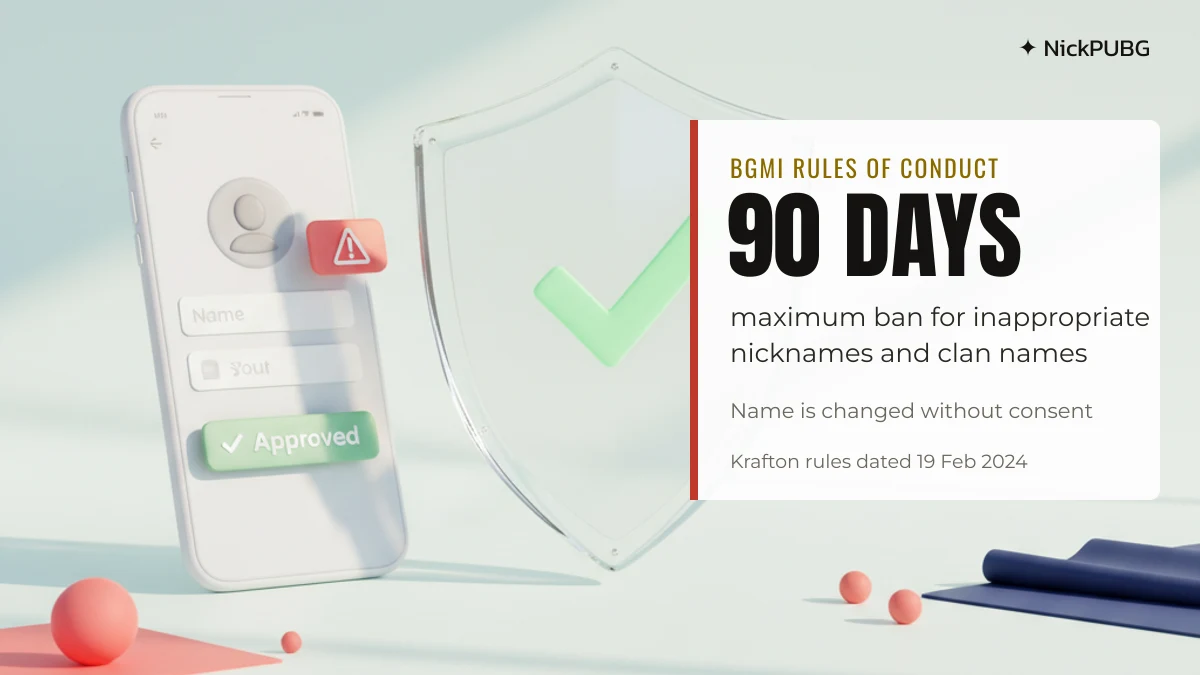
An inappropriate nickname or clan name in BGMI can lead to a ban of up to 90 days, and the game can change the name without your consent. This penalty is listed in the BATTLEGROUNDS MOBILE INDIA Rules of Conduct published by Krafton (version dated 19 February 2024, checked September 2026).
The Rules of Conduct give these examples of an inappropriate nickname:
- a nickname that is sexually explicit or obscene;
- a nickname meant to impersonate Krafton or its staff;
- a nickname that is discriminatory;
- a nickname that may infringe a third party’s trademark or copyright;
- any other nickname that is sensitive or causes offence.
The rules also say that changing a few letters of a banned word, or hiding it between other characters, still counts. Such a name “will be immediately changed without your consent and/or penalty measures will be taken”. Fancy fonts do not hide a word: 𝓑𝓪𝓭𝓦𝓸𝓻𝓭 in script letters still reads as the same word. Clan names follow the same rule.
| Misconduct in BGMI’s penalty table | Maximum penalty |
|---|---|
| Inappropriate nicknames and clan names | 90-day ban, and the name is changed without consent |
| Inappropriate use of language (profanity, offensive language) | 30-day ban |
If a name is forced back to a default, you will need another Rename Card to choose a new one.
Changing a name in PUBG Mobile
PUBG Mobile, the global version, also uses a Rename Card to change a character name, and the flow of getting a card, using it and confirming is the same. The main difference is enforcement. By our team’s reading, PUBG Mobile’s own rules list a shorter maximum penalty for offensive names (30 days) and may reset a violating name without notice. We could not reload PUBG Mobile’s rules page when we checked in September 2026, so confirm in the game’s support section if this matters to you.
| BGMI | PUBG Mobile | |
|---|---|---|
| How to rename | Rename Card | Rename Card |
| Free cards | Level 3 and Level 10 Progress Missions, events (official FAQ) | Check events and missions in your region |
| Name changes per day | One (official FAQ) | Check in-game |
| Max penalty for an inappropriate name | 90 days (Rules of Conduct, Feb 2024) | 30 days (per PUBG Mobile’s published rules, not re-checked) |
If you play PUBG Mobile, the PUBG name style ideas are written for that version.
After renaming: clan tags and your squad
Your new nickname is what squadmates and opponents see in matches, so plan it together with your clan tag. If your squad uses a shared symbol or prefix, pick the clan style first. Our BGMI clan names page groups team-style names and symbols. Then choose a personal name that fits next to it. Still short of ideas? The best stylish BGMI names list is a good starting point.
FAQ
How do I get a rename card in BGMI?
Complete the Level 3 and Level 10 Progress Missions for free cards, collect cards from missions or events that offer them, or buy one in Shop → Treasures. These are the three sources listed in the official BGMI Help Center (checked Sep 2026).
How much is a rename card in BGMI?
The official FAQ does not state a price. Third-party guides commonly list 180 UC. Check Shop → Treasures for the current price before buying, and use any free cards from missions first.
Can I change my BGMI name more than once a day?
No. The official FAQ says you can change your nickname only once per day, and each change uses one Rename Card.
How do I change my Battlegrounds name without a rename card?
You cannot. A Rename Card is the only official way to change a BGMI nickname. If you have none, check your Progress Missions and current events before buying one.
How do I rename in PUBG?
In PUBG Mobile you also use a Rename Card: get one, use it, enter the new name and confirm. Avoid emoji and offensive words, which can get the name rejected or reset.
Can I use symbols in my BGMI name?
Many decorative symbols from Unicode’s Basic Multilingual Plane, such as ꧁ ꧂ ༒ ★, are commonly used in BGMI names. Emoji and stacked accent marks are more likely to be rejected. No site can guarantee a symbol will be accepted, so test short names first.
Ready to pick a name before you spend a card? Build and copy one on NickPUBG.