 Nick
This page shows how to use NickPUBG: type a word in the generator on the home page, pick a style that fits 14 characters, copy it, then paste it with a rename card in BGMI or PUBG Mobile. A symbol shows as a box or the copy button fails? Tell us on the contact page.
Sources: Unicode code charts (unicode.org/charts); name limits from each game’s public help page.
Generate a name
The box at the top of the home page restyles your word in dozens of fonts and frames. Pick a style button, add a symbol tile if you want a frame, then press Generate names. A result that runs past 14 characters or uses emoji carries a warning label, so check that label before you copy it.
Pick the right page
Each page of the site answers one need, so the table sends you to the right one. Use the generator for your own word, the style pages for ready names, and the symbols page for frames to wrap around a name.
| Need | Page | What it gives |
|---|---|---|
| Your own word in many styles | Generator | Fonts and frames for the word you type |
| Names favoured on Indian servers | BGMI name style | Ready BGMI names to copy |
| PUBG Mobile fonts and attitude names | PUBG name style | Font table and styled names |
| Frames and decorations | Name symbols | Symbols to copy and wrap around a name |
| A team or clan tag | BGMI clan names | Clan and squad names |
| Rename steps and the limit | How to change name | Where the rename card is used |
Paste it in the game
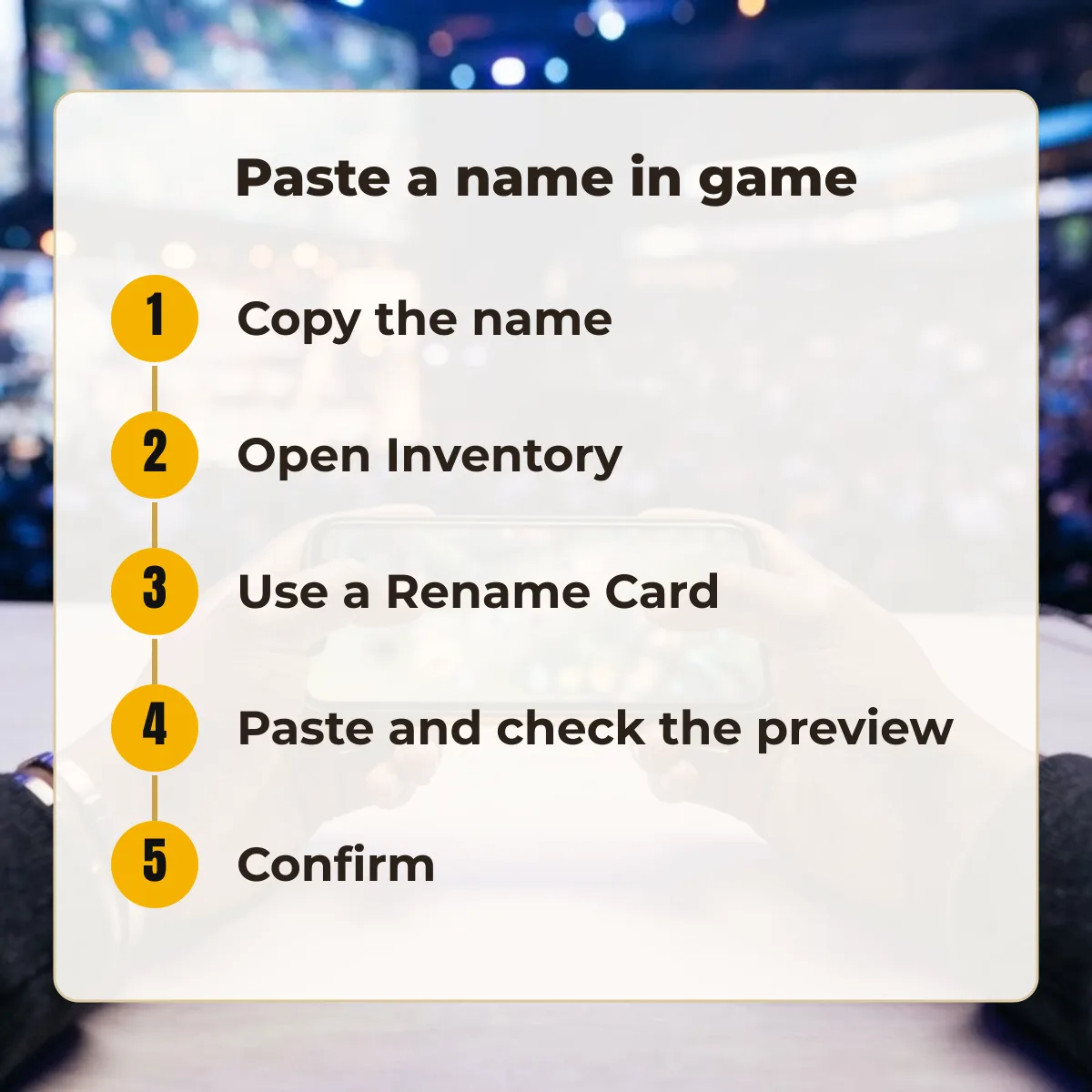
Copy the name, open Inventory, choose Rename Card, paste the name, check the preview and confirm. Symbols the game filters disappear when the name is saved, so read the preview before you confirm and change anything that looks different from what you copied.