 Nick
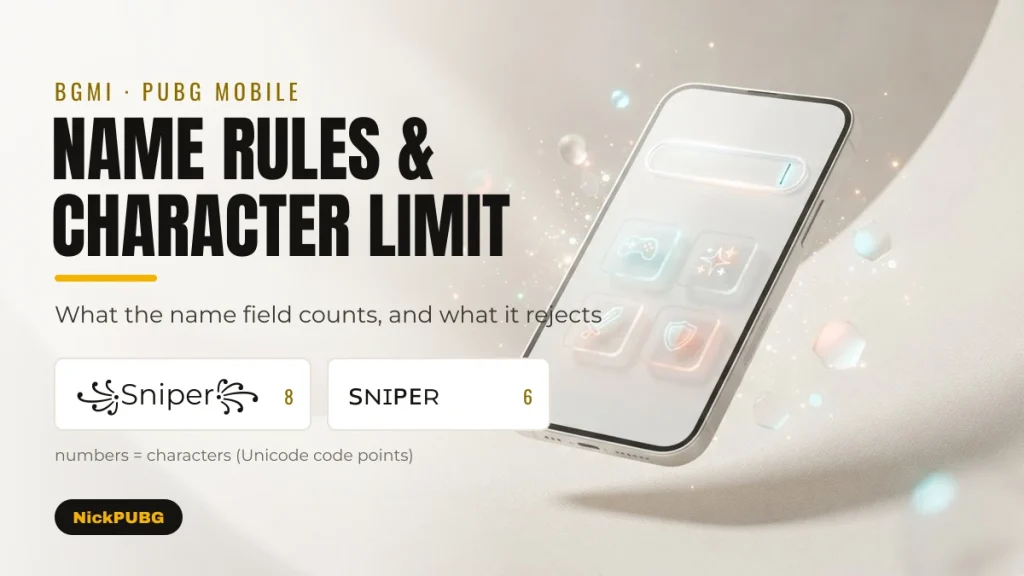
Battlegrounds Mobile India (BGMI) does not publish an official nickname character limit. Players report an in-game error reading “Name cannot exceed 14 characters”, so treat 14 as a practical guide, not a rule. Fancy fonts, emoji and decorative marks use that budget faster than plain letters.
The safest plan is to keep a stylish name within 14 characters as the field counts them, avoid anything offensive or impersonating, and check how it reads in a fast-moving kill feed.
This guide covers what is known about name length in BGMI and PUBG Mobile and what is only reported. It shows how the characters in a styled name are counted, which “space” characters players use for gaps, and which names get rejected or penalised. It ends with a checklist for a name that looks good and survives the name field. Facts checked in September 2026.
Is there an official character limit for BGMI names?
No official limit is published. The official BGMI help article on changing your name explains Rename Cards but gives no maximum length. The widely quoted 14-character figure comes from the error message players report, not from a rule Krafton has published.
| Claim you will see online | Status (checked Sep 2026) | What to do with it |
|---|---|---|
| “BGMI names are limited to 14 characters” | Reported: many players quote the error “Name cannot exceed 14 characters”. No official Krafton document states it | Treat 14 as a practical budget, not a guarantee. The field itself is the final judge |
| “PUBG Mobile allows a different, longer limit” | Unverified: appears on third-party sites only | Do not plan around it. Use the same 14-character budget for both games |
| “Rename Cards come from missions and the Shop, one rename per day” | Official: BGMI Help Center, How do I change my name? | Reliable. Steps are in our guide on changing your BGMI name with a Rename Card |
| “Inappropriate nicknames and clan names can be penalised” | Documented BGMI enforcement: penalties of up to 90 days (details are not on the public help page we checked) | Reliable. See the penalties table below |
The official source for the Rename Card facts is the BGMI Help Center article on changing your name.
What “Name cannot exceed 14 characters” means
The message means the name you pasted is longer than the field will accept. Nothing is wrong with your account. Remove decorations or shorten the word and paste again. If a name looks shorter than 14 but still triggers the error, the hidden cost of fancy characters is the usual reason. The next section explains why.
How the name field counts fancy characters
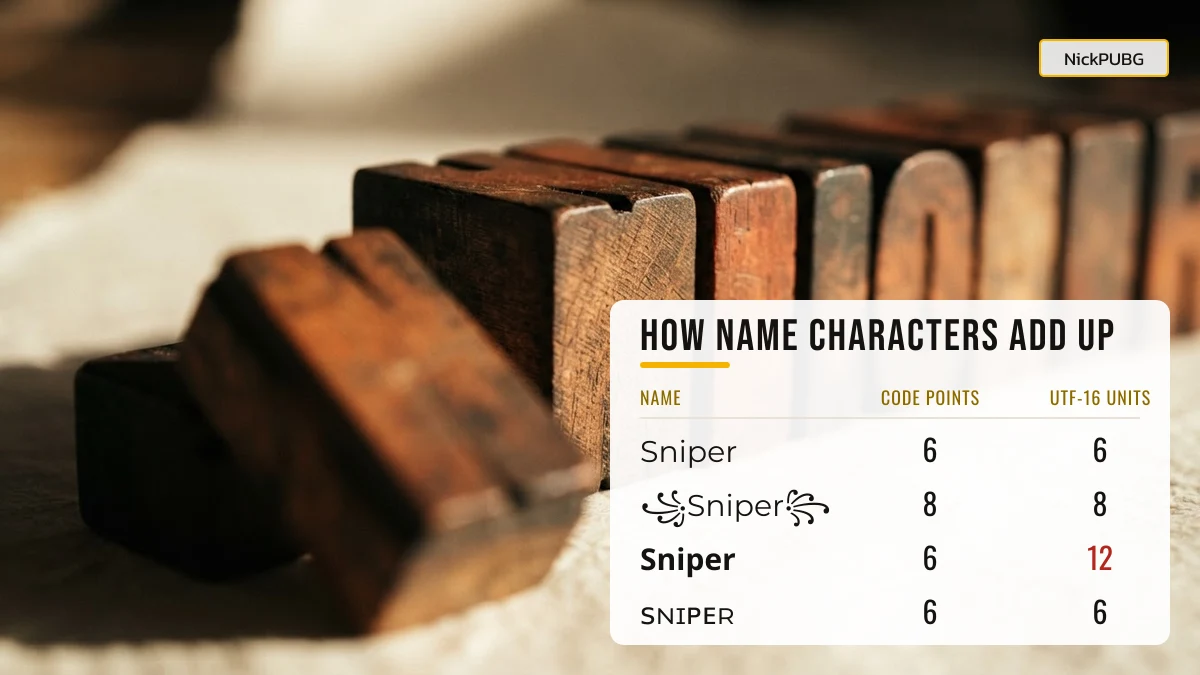
A character you see is not always one character to the game. Unicode stores every letter as a code point, and Android and iOS apps often measure text in UTF-16 units. Most symbols fit in one unit, but “mathematical” fancy letters and emoji need two units each. Stacked decoration marks add extra code points you cannot see.
| Name as shown | Style | Code points | UTF-16 units | Why |
|---|---|---|---|---|
| Sniper | Plain letters | 6 | 6 | Basic Latin: one unit per letter |
| ꜱɴɪᴘᴇʀ | Small caps | 6 | 6 | Small caps live in the Basic Multilingual Plane (BMP) |
| ꧁Sniper꧂ | Javanese wings | 8 | 8 | ꧁ (U+A9C1) and ꧂ (U+A9C2) are single BMP characters |
| 亗Rudra亗 | CJK crew mark | 7 | 7 | 亗 (U+4E97) is one BMP character |
| 𝐒𝐧𝐢𝐩𝐞𝐫 | Math bold | 6 | 12 | Each bold letter (for example U+1D412) is outside the BMP, so it takes 2 units |
| 𝓢𝓷𝓲𝓹𝓮𝓻 | Math script | 6 | 12 | Same as bold: a surrogate pair per letter |
| S͙n͙i͙p͙e͙r͙ | Letters with marks | 12 | 12 | Every letter carries an invisible combining mark (U+0359) |
| Sniper🔥 | Letters + emoji | 7 | 8 | The emoji needs 2 units, and many name fields reject emoji |
The practical rule is to count the larger number. A math-bold name like 𝐒𝐡𝐚𝐝𝐨𝐰𝐇𝐮𝐧𝐭𝐞𝐫 has 12 letters but 24 UTF-16 units, so it can fail even though it “looks” short. Small caps and BMP decorations such as ꧁ ༒ ★ 亗 are the most budget-friendly way to look stylish. Our PUBG & BGMI name symbols list shows many of them.
Why some fancy fonts turn back into plain text
Games and apps sometimes clean up names with a Unicode process called NFKC normalization. It converts “compatibility” characters back to their basic form. Math bold 𝐒𝐧𝐢𝐩𝐞𝐫 and script 𝓢𝓷𝓲𝓹𝓮𝓻 become plain “Sniper”, and superscript letters like ᴮᴳᴹᴵ become “BGMI”. Small caps such as ꜱɴɪᴘᴇʀ have no compatibility mapping and stay as they are. If your fancy name keeps coming back plain, pick small caps or decorative symbols instead of math-style fonts.
A worked example: fitting “Shadow Hunter” into 14
Here is one idea styled several ways, with both counts, so you can see which versions leave room.
| Variant | Code points | UTF-16 units | Verdict |
|---|---|---|---|
| Shadow Hunter | 13 | 13 | Fits, but the space may be removed by the field |
| ꧁ShadowHunter꧂ | 14 | 14 | Exactly on the reported limit: no room for extras |
| 亗ShadowHntr | 11 | 11 | Fits, with room for one more symbol |
| ꜱʜᴀᴅᴏᴡʜᴜɴᴛᴇʀ | 12 | 12 | Fits, and small caps survive clean-up |
| 𝐒𝐡𝐚𝐝𝐨𝐰𝐇𝐮𝐧𝐭𝐞𝐫 | 12 | 24 | Likely too long in UTF-16, and may be normalised to plain text |
| ꧁ꜱʜᴀᴅᴏᴡ꧂ | 8 | 8 | Short, stylish and easy to read |
| Shadow🔥 | 7 | 8 | Short, but emoji are often rejected |
Want more versions of your own name to compare? Type it into the NickPUBG stylish name generator, or browse ready-made ideas in BGMI name styles.
How to add a space or gap in a BGMI name
A normal space is often trimmed or refused, so players paste special “blank” Unicode characters instead. None of these is officially supported. They work or fail depending on the game version and the keyboard you paste from, so treat every option below as something to try, not a promise.
| Character | Code point | Unicode type | What clean-up (NFKC) does | Notes |
|---|---|---|---|---|
| No-break space | U+00A0 | Space separator | Turns into a normal space | Visible gap. Can be trimmed at the start or end of a name |
| Hangul filler | U+3164 | Letter (other) | Maps to another invisible Hangul filler | Classed as a letter, not whitespace, so it is less likely to be trimmed as a space |
| Braille pattern blank | U+2800 | Symbol | Unchanged | Looks empty on most devices, but it is a symbol, not whitespace |
| Ideographic space | U+3000 | Space separator | Turns into a normal space | Wide gap. More likely to be trimmed |
| Zero-width space | U+200B | Format character | Unchanged | No visible width. Often stripped entirely by name fields |
All five are single BMP characters, so each costs 1 unit of your 14. Put a gap between words rather than at the start or end, where trimming is most common. Paste it into the name field first, before spending a card. For the copy-and-paste steps on Android and iPhone keyboards, follow how to put symbols in a BGMI name.
Names that get rejected or penalised
A name can fail in two different ways. The field can reject it straight away because of length or unsupported characters. Or the game can act on it later because its meaning breaks the rules. The second is the one that costs you.
Rejected by the field
- Too long: the “cannot exceed 14 characters” error.
- Emoji and other characters outside the BMP, such as 🔥 or 𓆩, are refused or shown as empty boxes.
- Heavily stacked combining marks can be stripped or refused.
- Names that are only blank characters with no visible text.
Penalised after you save it
| Name type | Examples of the problem | What can happen |
|---|---|---|
| Abusive, sexual or hateful words (including disguised spellings) | Slurs hidden with symbols, leetspeak or lookalike letters | BGMI can penalise inappropriate nicknames and clan names for up to 90 days, three times PUBG Mobile’s 30-day maximum |
| Impersonation | Posing as an official account, moderator, esports pro or streamer | Can be reported and actioned under the game’s conduct rules |
| Cheating or selling services | Names advertising hacks, account selling or boosting | Can be reported and actioned under the game’s conduct rules |
| PUBG Mobile (global) | Any of the above | PUBG Mobile may rename a violating name automatically, without notice |
Clan tags follow the same rules. If you run a squad, pick a tag with our BGMI clan and team names before your members copy it.
What makes a good BGMI name: a 7-point checklist
A good BGMI name fits the field, stays readable in the kill feed and squad list, and is clearly yours. Run through these before you spend a Rename Card, since you can only rename once per day.
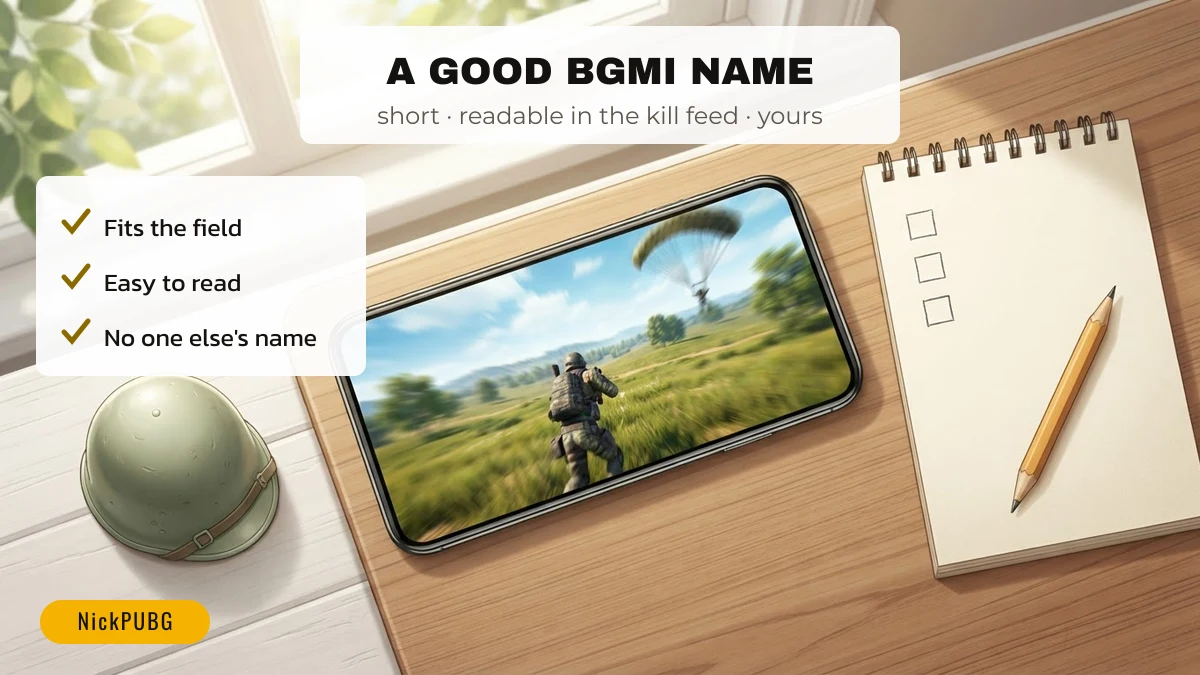
- Fits the budget. 14 or fewer, counting UTF-16 units for fancy fonts.
- Readable at a glance. The kill feed flashes for a second. Keep the core word in plain letters or small caps and use at most one or two decorations.
- Easy to say. Teammates call you out on voice chat, so “Rudra” beats a string of symbols.
- No emoji or rare scripts if you want the best chance the field accepts it.
- Not anyone else. Avoid copying a pro player, streamer or official account name.
- Clean meaning. No hidden abuse or disguised spellings, which can bring penalties of up to 90 days in BGMI.
- Tested in the field first. Paste it and read any error before confirming the rename.
Short on ideas? Start with the best stylish BGMI names, or compare the global angle in PUBG Mobile name styles.
Copy-ready names, symbols and emoji to test against the rules
Use these to practise counting. Each button copies one item. Tested in the BGMI name box: not tested yet. Items with a dashed border may be filtered by the name field.
Names to count
Symbols to try
Kaomoji for squad chat
Emoji combos
FAQ
Do BGMI and PUBG Mobile names have a character limit?
Yes, both name fields cap length. Krafton does not publish the number for BGMI, but players widely report the error “Name cannot exceed 14 characters”. Plan for 14, and count fancy fonts and emoji as 2 each.
What does “Name cannot exceed 14 characters” mean?
It means the name you typed or pasted is longer than the field allows. Remove a symbol, use small caps instead of bold or script fonts, or shorten the word, then paste again.
How do I get a gap in my BGMI name?
Paste a blank Unicode character between words. Players commonly use the no-break space (U+00A0), Hangul filler (U+3164) or Braille blank (U+2800). None is officially supported, so check that the field accepts it before you confirm a Rename Card.
Do fancy fonts count as more characters?
Some do. Math-style bold and script letters (𝐀, 𝓐) take two UTF-16 units each, and decorated letters can carry invisible combining marks. Small caps (ᴀ) and symbols like ꧁ ༒ ★ count as one.
Can I use emoji in my BGMI name?
Often not. Emoji sit outside Unicode’s Basic Multilingual Plane, and many mobile game name fields reject them or show empty boxes. Decorative BMP symbols are the reliable alternative.
Is there a limit on how often I can change my name?
Yes. The BGMI Help Center says you can change your nickname once per day, and each Rename Card is used up by the change.
NickPUBG is an independent fan tool, not affiliated with PUBG, BGMI or Krafton. See how we check facts in our editorial policy.