 Nick
Nick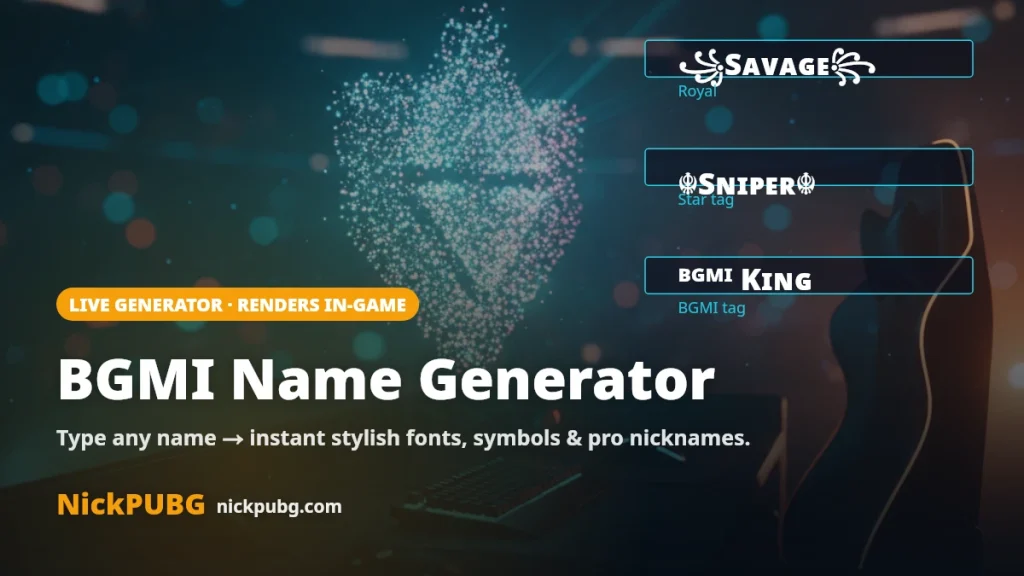
Want a nickname that instantly looks like a pro’s? This BGMI name generator turns any word into dozens of stylish fonts, symbol combos and ready-to-use nicknames — then you copy the one you like with a single tap. Every style below is tested to render inside BGMI & PUBG Mobile (last updated July 2026). It’s a free fan tool by NickPUBG and is not affiliated with PUBG, BGMI or Krafton.
Tap any card to copy. ⚠️ A few fancy styles (marked “May be filtered”) can be rejected by the in-game name box — if one won’t save, pick a style marked “Renders in-game.”
How the BGMI name generator works
- Type your name or a keyword in the box above (real name, gamer tag, clan word — anything up to 14 useful characters).
- Browse the styles that appear instantly — small caps, bold, gothic, royal wings, BGMI tag and more. Hit Shuffle for a fresh set of combinations.
- Tap to copy the one you love, then paste it into BGMI using a Rename Card (steps below).
Because names are generated live from what you type, no two players end up with the exact same tag — that’s the difference between a generator and a fixed list. If you’d rather grab a ready-made one, see our BGMI name style collection.
Unique BGMI name ideas (copy & paste)
No inspiration for a base word? Tap any of these hand-picked nicknames to copy them straight away. They’re grouped by vibe so you can match your play-style.
Pro & sweaty tags
Attitude names
Names for boys
Clan-tag style
BGMI name symbols & fonts
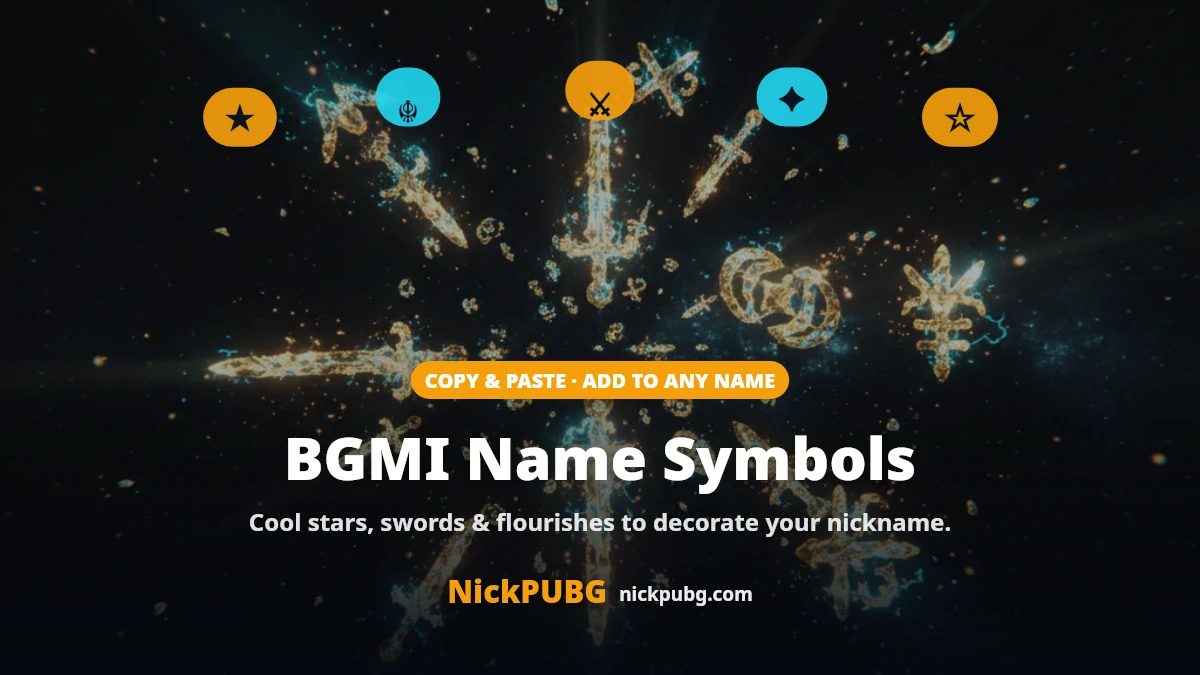
Symbols are what make a tag pop. Tap any symbol below to copy it, then paste it before or after your name (e.g. ★ + Sniper = ★Sɴɪᴘᴇʀ★). These are the ones that most reliably show up inside BGMI.
How to change your name in BGMI (Rename Card)
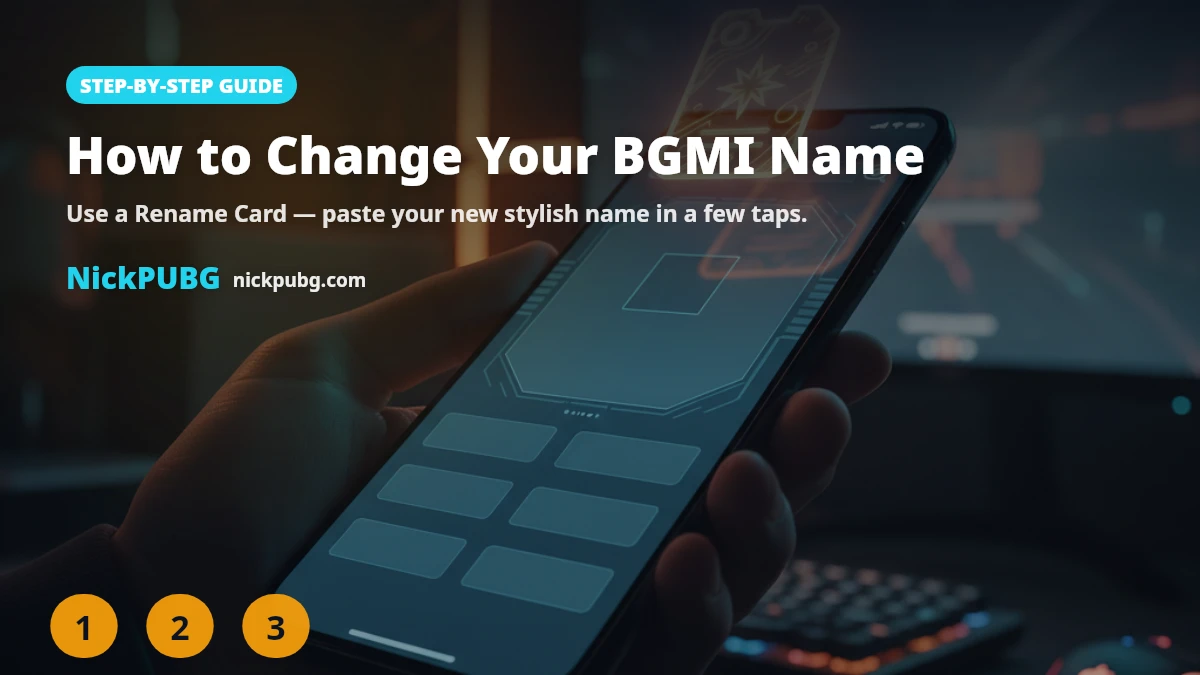
You can’t rename your character for free every time — BGMI uses a Rename Card. Here’s the exact process:
- Copy your new name from the generator above.
- Open BGMI and tap your profile picture (top-left of the lobby) to open your profile.
- Tap the pencil / edit icon next to your current name.
- Paste your copied name into the box. Keep it within the 14-character limit.
- Use a Rename Card to confirm. New accounts usually get one free Rename Card; after that you buy one from the Shop (UC) or claim it from events.
If the game says the name is unavailable or invalid, it’s usually the filter rejecting a symbol — swap it for a “Renders in-game” style and try again.
Which name is best for a BGMI ID?
The “best” BGMI name is short, readable and easy for teammates to call out on voice. A few rules pros follow:
- Keep it short — 1–2 words read faster on the kill-feed than a wall of symbols.
- One accent, not ten — a single star or wing looks cleaner than stacking five symbols.
- Make it callable — your squad should be able to say it out loud.
- Match your style — aggressive pushers suit attitude tags; snipers suit calm, sharp names.
Need more curated options? Browse the best stylish BGMI & PUBG names for a bigger hand-picked list.
Are special symbols allowed in BGMI names?
Most Unicode symbols and fancy fonts are allowed — that’s why you see so many stylish tags in-game. However, BGMI runs a name filter that can reject certain characters, and it changes over time, so no tool can promise a name is “100% unbannable.” Using a decorative nickname is not against the rules; what gets accounts actioned is offensive, impersonating or abusive text — not the font. Keep your name clean and you’re fine.
FAQ
How do I create a BGMI name?
Type any word into the NickPUBG generator above, tap the style you like to copy it, then paste it into BGMI with a Rename Card. The whole thing takes under a minute.
Which name is best for a BGMI ID?
A short, readable tag with a single symbol accent works best — something your squad can call out, like ★Sɴɪᴘᴇʀ★ or ᴮᴳᴹᴵ Kɪɴɢ. Avoid stacking too many symbols.
How do I generate a PUBG name?
Exactly the same way — BGMI and PUBG Mobile share the same 14-character name box and Unicode support, so any style from this generator works in both.
Do symbols or fancy fonts get you banned in BGMI?
No — decorative fonts and symbols are not against the rules. Bans come from offensive or impersonating names, not from styling. Just avoid symbols the filter rejects (the game will tell you if a name is invalid).
Ready for more? Grab ready-made BGMI name style nicknames, or explore the best stylish BGMI & PUBG names.